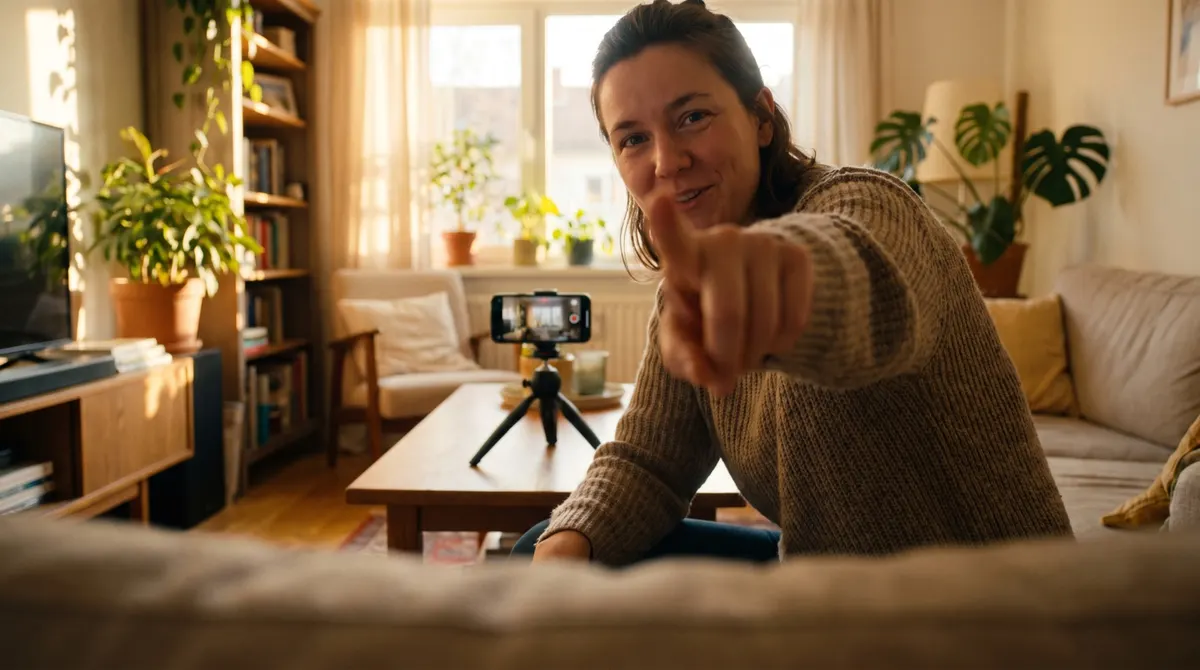

Editing sells the video. Here is a simple flow: cut the dead time, add subtitles, add cutaways, and export cleanly in vertical format.
Why editing sells the video
Because it decides the pace, and the pace decides attention. The same take, tightly cut or loosely cut, gives two videos with incomparable performance. Editing does not make a bad take good, but it makes a good take watchable to the end, which is exactly what is asked of it.
How to organise your files before editing
Seven habits that save an hour per video.
One folder per order, named with the client and the date.
A subfolder for rushes, one for exports.
Takes renamed at import, never afterwards.
The best takes marked during the first viewing.
A text file with the script and the permitted sentences.
A backup of the rushes before you start cutting.
And deletion of finished projects only after payment.
What to cut systematically
Seven passages present in almost every take.
The throat clearing at the start.
The sentence announcing what is about to be said.
The hesitations in the middle of an explanation.
The failed restart you kept out of habit.
The silence after the last sentence.
The glance towards the trigger, at the end of the take.
And any repetition of an idea already expressed.
How long an edit takes
Six markers for pricing your work.
A simple video is edited in an hour, once you are practised.
Proofread subtitles add a quarter of an hour.
Each additional format adds ten minutes.
A requested correction costs half an hour.
Organising the files takes ten minutes, always.
And export and delivery, a quarter of an hour.
What brands ask for most often
Six requests worth providing as standard.
A version with no burnt-in subtitles.
A version with no music.
A square version alongside the vertical one.
Two different openings on the same edit.
A still image taken from the video.
And the rushes, if the licence includes them.
What a simple flow looks like
Seven steps, in this order.
Importing the rushes and watching them once in full.
Putting the best take of the opening first.
Cutting every pause for thought.
Adding cutaways where things drag.
Generating the subtitles, then proofreading them by hand.
Checking the sound, more important than the colour.
And exporting a master file, dealt with above.
Subtitles, and the pace of the first seconds
Proofread every line
Automatic generation gets brand names, figures and technical words wrong, that is, precisely what counts.
Stay in the safe zone
Platform interfaces cover the bottom and the right of the image. A subtitle placed too low becomes unreadable for half the audience.
Prefer short lines
Two lines maximum, six words per line. Beyond that nobody reads and everybody drops off.
How fast should the first seconds go
Start in the action
The first shot already shows something. No greeting, no introduction, no logo.
Put a cut in very early
A cut before the third second revives attention before it falls away.
Show the opening line on screen
Most people watch with no sound. What is said also has to be readable.
And cutaways, music, colour
Six rules, in order of importance.
A cutaway every five seconds, at least.
No music if the voice carries the video.
Music with no percussion if the subject is calm.
No aggressive colour grading, which gives the edit away.
No transition effects, ever.
And a constant voice level from shot to shot.
How to export cleanly
Seven settings to check before delivering.
A master file at maximum quality, kept.
A vertical version, the main format.
A square version, taken from the master.
A version with no burnt-in subtitles, often requested.
A version with no music.
Clear naming, with the client's name and the date.
And a check on a phone before sending.
What to check before exporting
Six checks, two minutes in total.
The first shot starts with no black frame and no silence.
No subtitle strays outside the safe zone.
The voice level does not shift from shot to shot.
The last shot does not cut in the middle of a word.
No element of the editing interface has been left in the picture.
And the video is fully understandable with no sound.
How to deliver clean files
Six rules that bring clients back.
One single link, containing every format.
One folder per format, simply named.
No file over two gigabytes without splitting.
A delivery message of five lines maximum.
The length of each version, stated in the message.
And a list of what was not possible, if applicable.
What sets a professional edit apart
Five details brands notice without naming them.
A steady pace, with no sudden acceleration.
Cuts placed on the breaths, not at random.
Subtitles appearing with the voice, not after it.
A half-second of silence kept before the call to action.
And a clean ending, with no fade and no logo.
What you do, and in what order
| Step | The operation | Real time |
|---|---|---|
| The import | Sort and delete the failed takes | 10 min |
| The assembly | Lay down the edit structure | 15 min |
| The subtitles | Generate, then proof word by word | 10 min |
| The export | Check every requested format | 5 min |
What is always proofed
Automatic subtitles. They get brand names, figures and technical terms wrong, which are exactly the words that matter to the client.
What is removed before delivering
The watermark and any font or music restricted to personal use. A video delivered with a watermark is refused in advertising, and that is discovered at the most expensive moment.
The most frequent editing mistakes
Six reflexes that damage a good take.
Re-exporting an export, dealt with above.
Cutting in the middle of a word to save a second.
Leaving a generated subtitle unproofread.
Adding trending music that dates the video.
Ending on a static logo shot.
And delivering a single format, leaving the brand to recrop.
One last marker: good editing is noticed by not being noticed. Tighten the pace, proofread the subtitles, keep the master, and leave the rest alone.