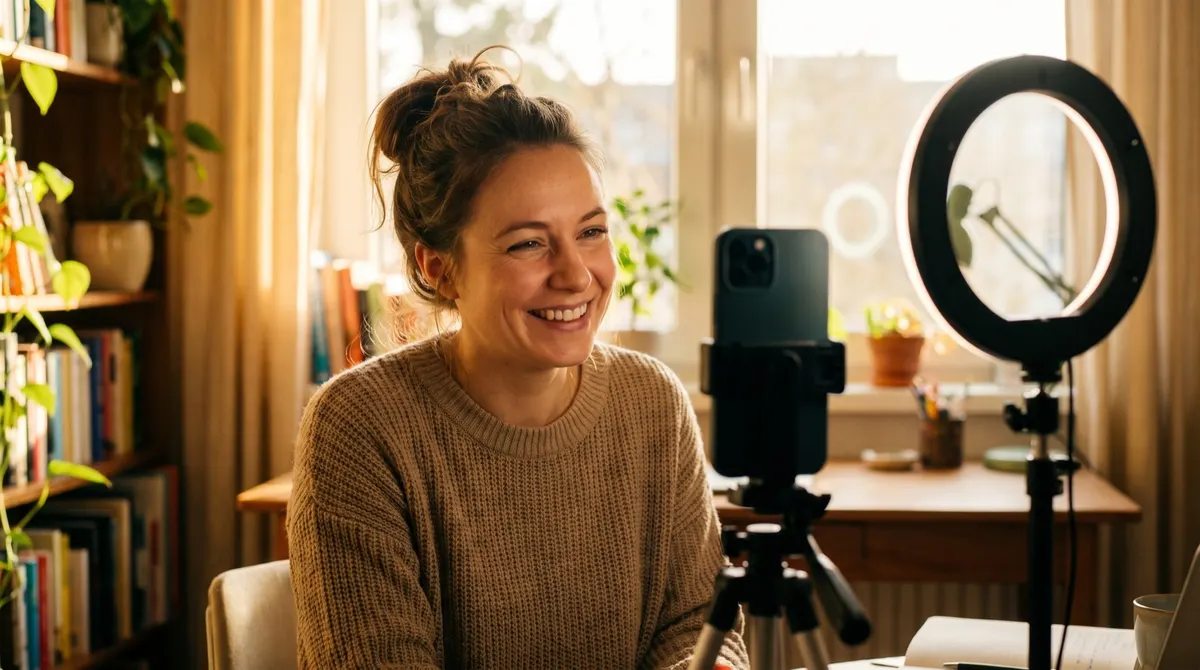
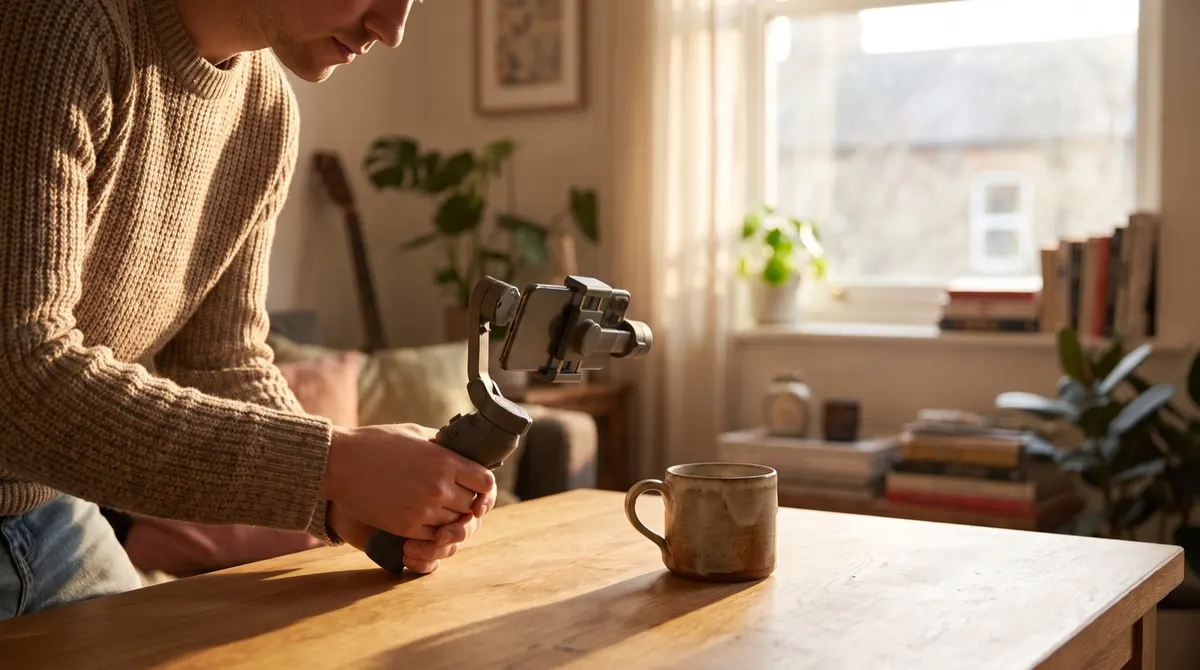
B-roll is the complementary footage (close-ups of the product, the hands, the texture or the setting) laid over the main shot to give a UGC video its rhythm.
A-roll and b-roll: the difference in 10 seconds
Two categories, one function each.
The a-roll is the main shot: the person speaking to camera, carrying the meaning and the sound.
The b-roll is everything else: the product, the hands, the texture, the setting, the environment.
One rule of proportion: the a-roll carries the message, the b-roll carries the proof. A video with no a-roll lacks direction, a video with no b-roll lacks credibility.
Why b-roll is indispensable in UGC
Retention
A change of image restarts attention. A video staying on the same shot for thirty seconds loses a large part of its audience before the end, whatever the quality of what is said.
Showing the product
That is the commercial function: the close-up shows the material, the size, the mechanism, the gesture. No sentence replaces five seconds of a tight shot on a product being handled.
Hiding the cuts
Dealt with above. That is the technical function, the most important and the least known.
Easy b-roll shots for any product
Eight shots that work in every category.
The product set down, filmed slowly from left to right.
The hands opening it, holding it or using it.
The texture in extreme close-up, with a slow movement.
The product in its real environment of use.
The scale: the product next to a known object.
The gesture repeated twice, from two different angles.
The before and the after, filmed in the same place and with the same framing.
And the final putting away, often the most useful and most forgotten shot.
How much b-roll should you film?
Four simple markers.
At minimum, one shot per important sentence, dealt with above.
In practice, count double: half the takes will be unusable for one reason or another.
Each shot lasts between five and eight seconds, which leaves margin at the edit.
And always film two or three shots that serve no purpose in this video: they will serve in the next one.
One production note: b-roll is shot after the a-roll, when you know exactly what you said. The reverse produces shots that match nothing.
What each supporting shot is for
| The shot | What it solves | Length to film |
|---|---|---|
| Hands on the product | Hiding an edit cut | 5 s |
| The object laid down, from above | Giving a breathing beat | 4 s |
| An everyday gesture | Anchoring the scene in reality | 6 s |
What you always shoot at the end of a session
Five silent shots of the product from five angles. They cost nothing to film on the spot, and they save every edit that follows.
What makes these shots unusable
Light different from the main shot, a shaky hand, or framing too tight to be recropped. Three flaws visible only in the edit, so too late.
Filming then editing your b-roll
Six practical rules.
Keep the same light as for the main shot, otherwise the join shows.
Film on a stand or with support, because a shaky close-up is unusable.
Record the real sound: it serves more than any music.
Never edit in a cutaway showing something other than what is being said at that moment.
Let the shot breathe one second longer than needed, then cut at the edit.
And name the files by content, not by number, otherwise you will not find them again.
One last marker: b-roll is what separates an edited video from a filmed one. It requires neither extra equipment nor particular skill, only ten more minutes at the shoot, and it is the only investment of time that improves retention, credibility and ease of editing at once.