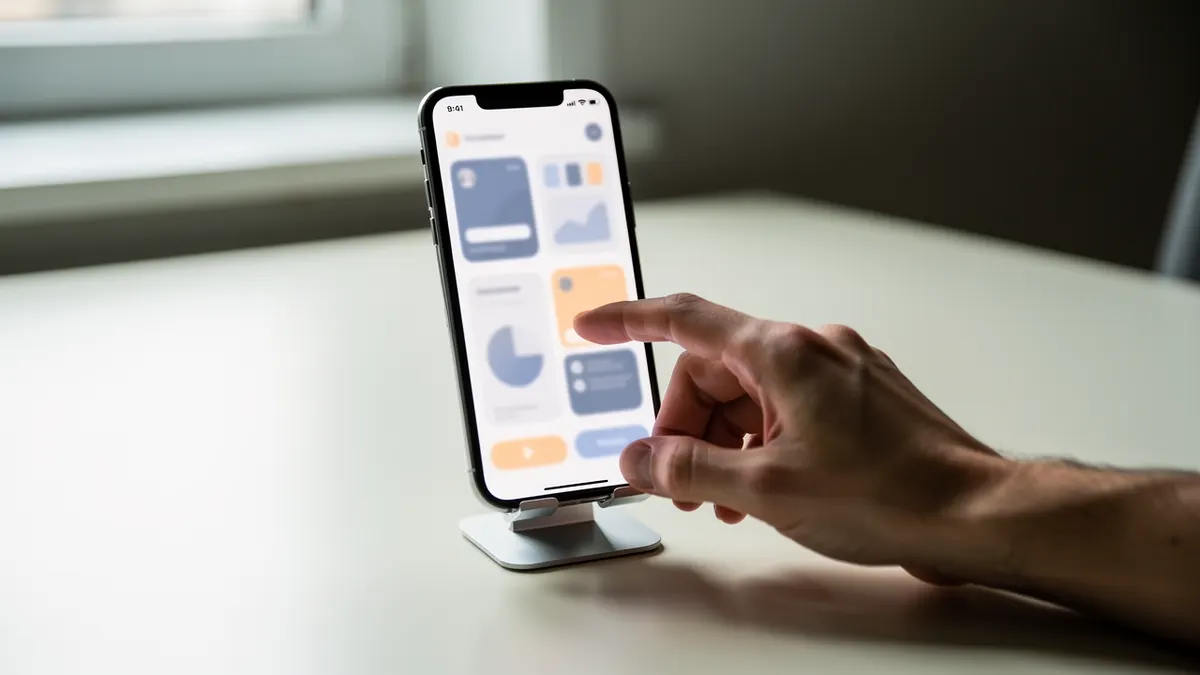
Apps, wallets and online shops pay for this and few creators offer it. Here is what to record and what never to show.
What gets recorded
Four journeys, in order of demand.
The complete sign-up, from the first screen to a usable account, with the documents requested.
The main operation: a payment, a shipment, an order, a transfer.
The worrying case: an error, a refusal, a cancellation, and how the service handles it.
And the return: where the history is seen, how a receipt is retrieved, where somebody can be contacted.
One production note: the last three sell best, because the sign-up is already filmed by the brand and the rest never is.
What is never shown
Five elements, without exception.
A real account, with a balance, a name, an address or a number.
A login, a password, a code received by message.
An identity document, even partly masked.
The content of a private conversation, even your own.
And another person's data, including in a notification appearing at the top of the screen.
Three technical precautions: flight mode for notifications, a demonstration account supplied by the brand, and a frame-by-frame review of the end of the recording, where mistakes slip in. The handling of personal data appearing on screen is checked with a lawyer before delivery.
The voice counts more than the picture
That is the particularity of the format: the picture is supplied by the device, the value comes from the commentary.
Three narration rules.
Say what you are looking for before looking for it: the audience follows an intention, not gestures.
Name the buttons with the words displayed on screen, not with your own.
And point out what surprises you, including negatively: that is what makes the rest credible.
Two technical rules. Record the voice afterwards, watching the screen, rather than during the handling. And keep an even level: these videos are often watched on headphones, on a train.
Rhythm is made in the edit
Three tools, and none of them is an effect.
A slight zoom on the area concerned, replacing a pointing finger.
On-screen text, one line at a time, announcing the step.
And cutting the pointless movements between two screens, which is not the same thing as cutting a real wait.
One useful length: forty-five to ninety seconds per journey. Beyond that, split into several videos, one per question.
What sells best
Four pieces, in order of demand.
The answer to a frequent customer service question, one per video.
The comparison of two ways of doing the same operation in the app.
The journey performed on a weak connection, which is the reality for part of the audience.
And the update video, shot when the interface changes, which sells again every year.
What is prepared before recording a screen
| Element | What to do | Why |
|---|---|---|
| Notifications | Turn everything off | An alert interrupts the take |
| The account used | A demonstration account | No personal data |
| The speed of the gesture | Deliberately slow down | The finger moves faster than the eye |
What is shown on screen
The complete journey, uncut, from the first screen to the result. A capture that skips a step leaves the viewer stuck at exactly that point.
What is checked before delivering
No name, no number, no address, no visible notification. One badly cleaned frame is enough to publish data that is not yours.
How to invoice it
Three separate lines, as for any other format.
The recording and the commentary, per piece or per batch.
The editing, including the short versions.
And the rights: channels, duration, territory, with particular attention to paid advertising.
One point specific to this format: set out in the contract who supplies the demonstration account, who answers if sensitive data appears by mistake, and what happens when the interface changes. A screen video ages faster than any other, and that clause decides who pays for the update.